
Shared Expenses
Split the costs of a purchase or shared service between neighbors easily and securely.
How Group Buys & Cost Splitting Work
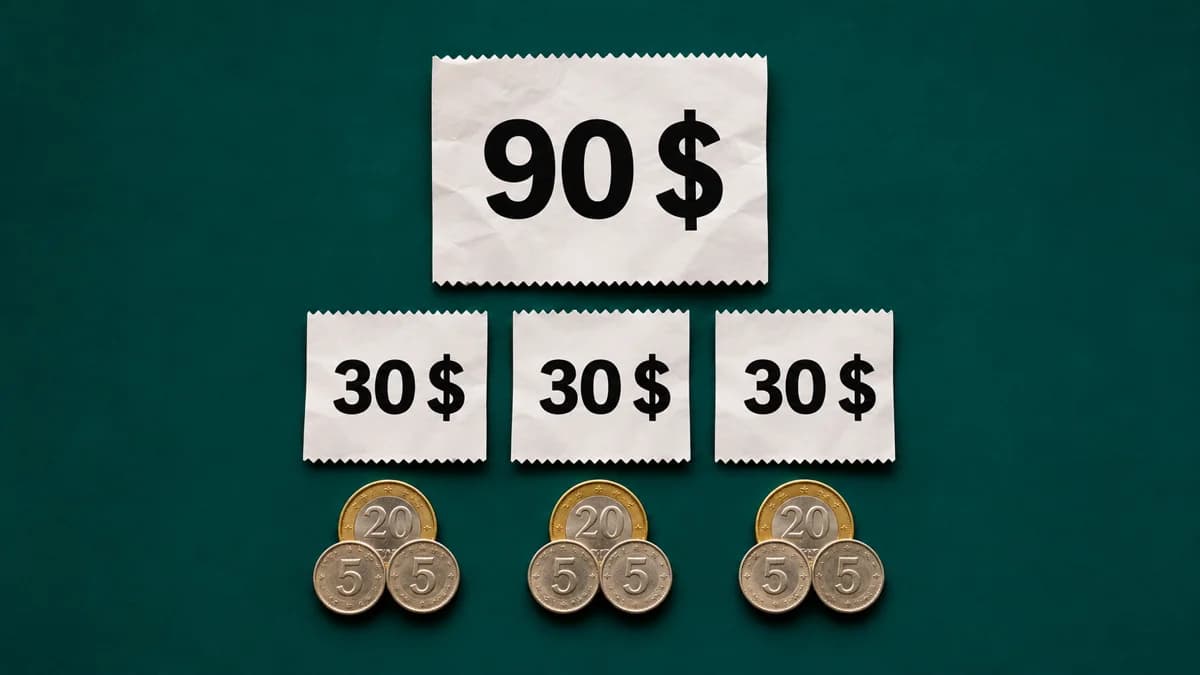
Public group purchases and your shared expenses are shown separately. Service agreements are tracked in the mission file.
1. Launch a Group Need
Create a shared expense (gravel delivery, dumpster rental, tool rental) with the total amount and available shares.
2. Review the payment
Each participant reviews their contribution and payment terms before confirming in the proposed payment flow.
3. Track the shared expense
Check contribution statuses and supporting documents. A created expense or pending payment does not confirm that all participants have paid.
Real-world examples
Discover how your neighbors use expense sharing daily.
Public splits to join
Participate in neighborhood initiatives and save together.
Saint-Jean-sur-Richelieu sectors
0 shared expense(s) · Saint-Jean-sur-Richelieu
No splits found
Try other keywords or create your own!